Adding your Digital Badge to your LinkedIn Profile
On your desktop or laptop device
1) Log in to your Linked In account
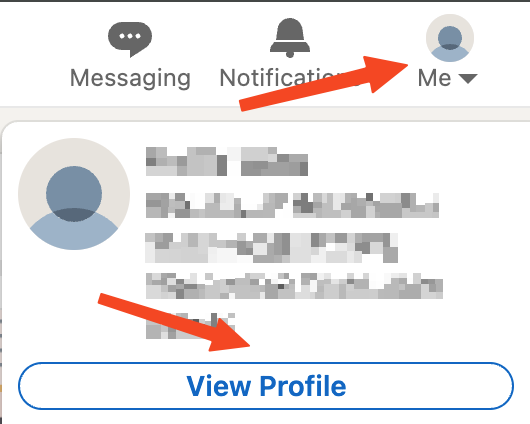
2) Click on 'Me'
3) Click on 'View Profile'
4) Click the 'Add profile selection' button

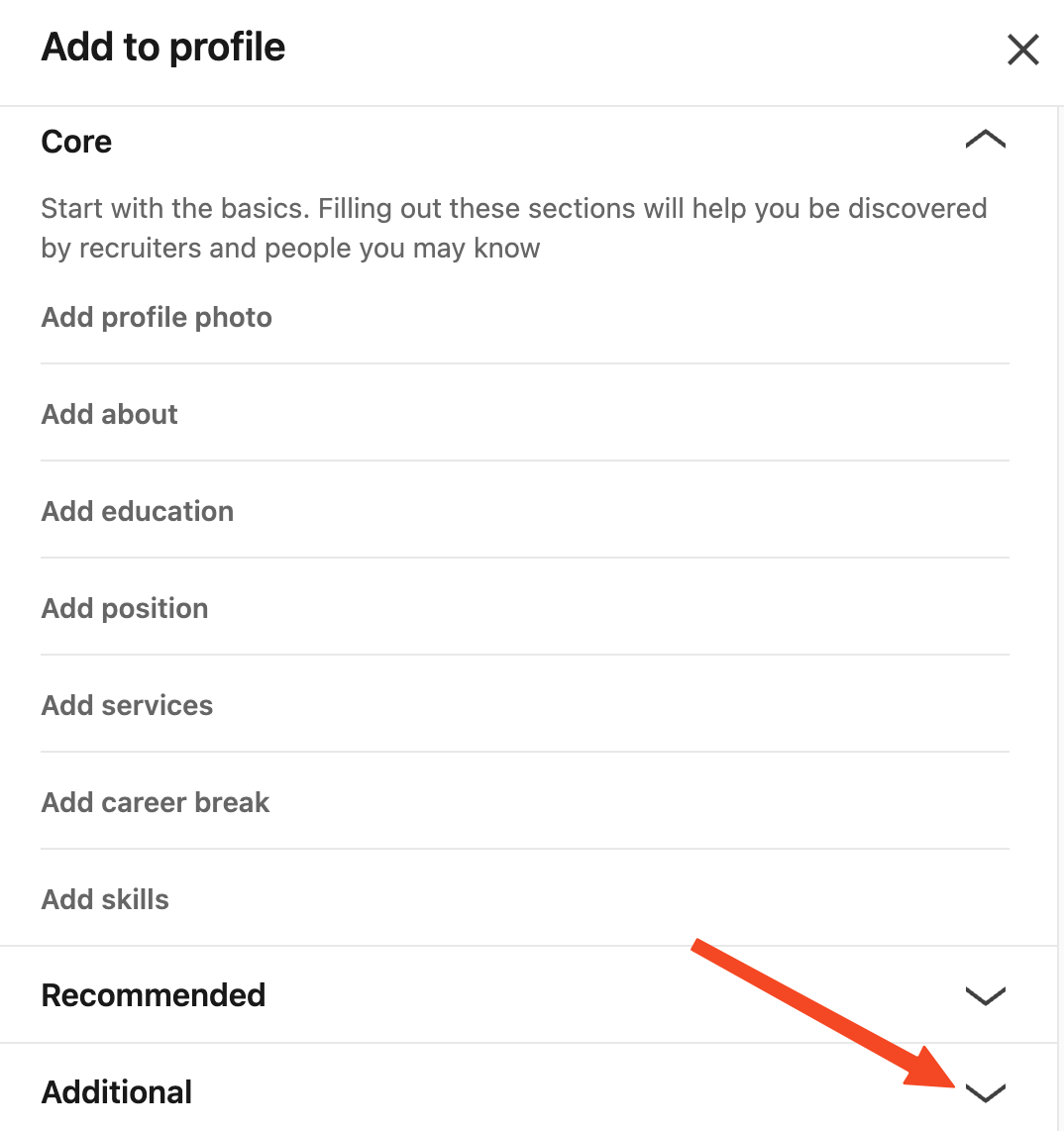
5) Scroll down and click the chevron next to 'Additional'
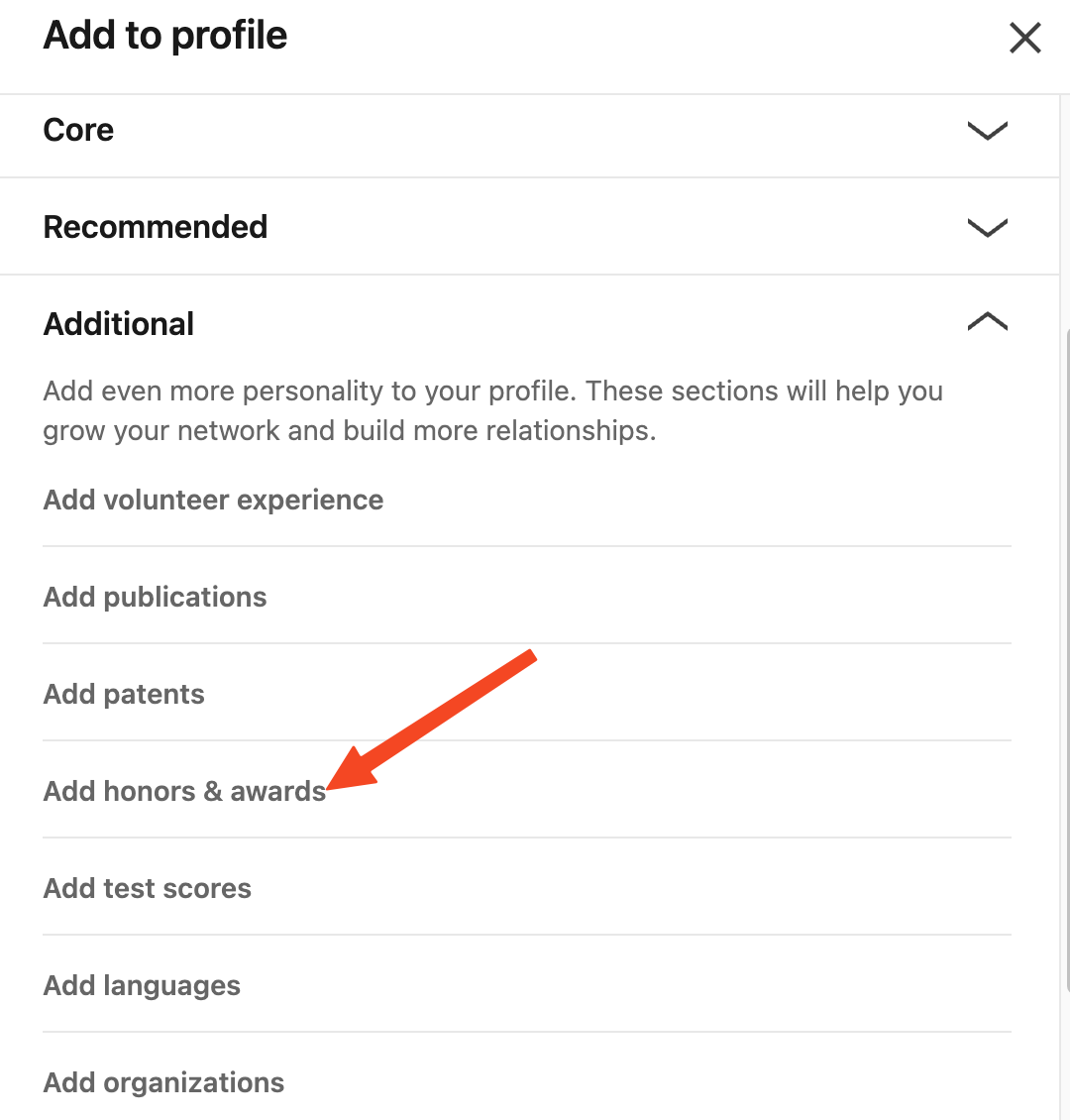
6) Click on 'Add honors & awards'
7) Fill out the form provided by LinkedIn
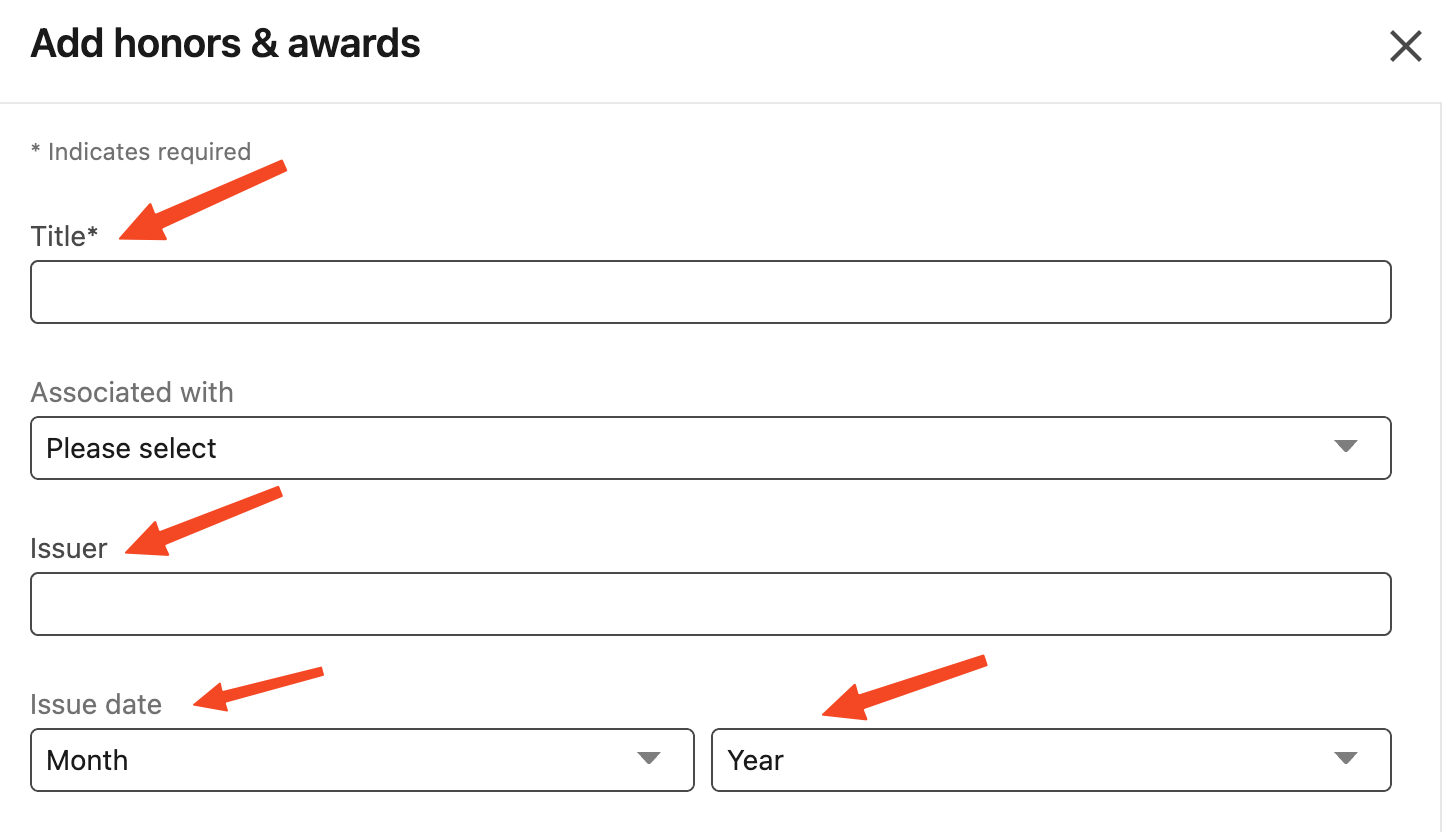
For the 'Title' use:
For the 'Issuer' use:
For 'Issue Date' Month use: April
For 'Issue Date' Year use: 2025
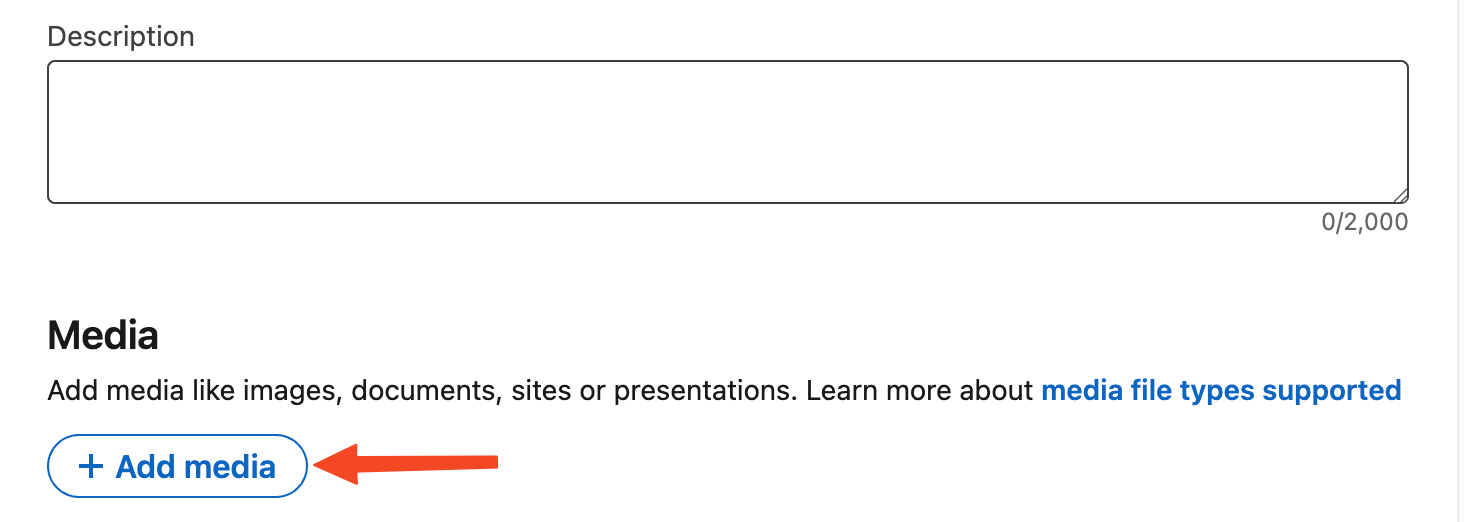
8) Scroll down past 'Description' until you see the 'Media' section and click on the '+ Add media' button.
9) Click on the 'Add a link' option
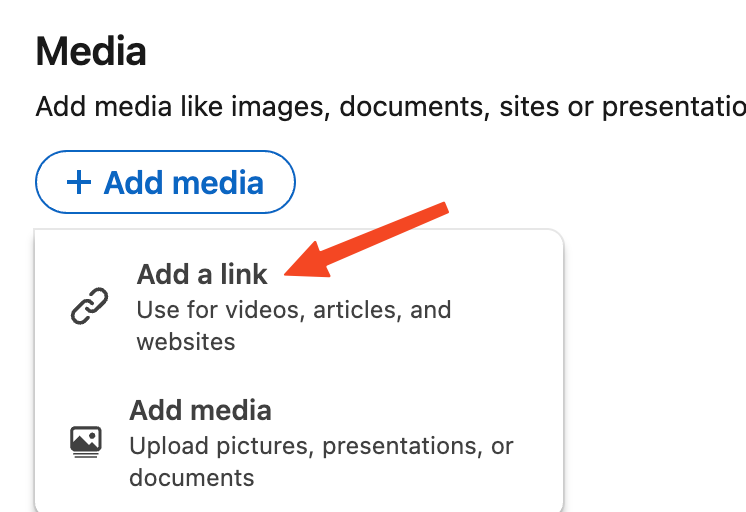
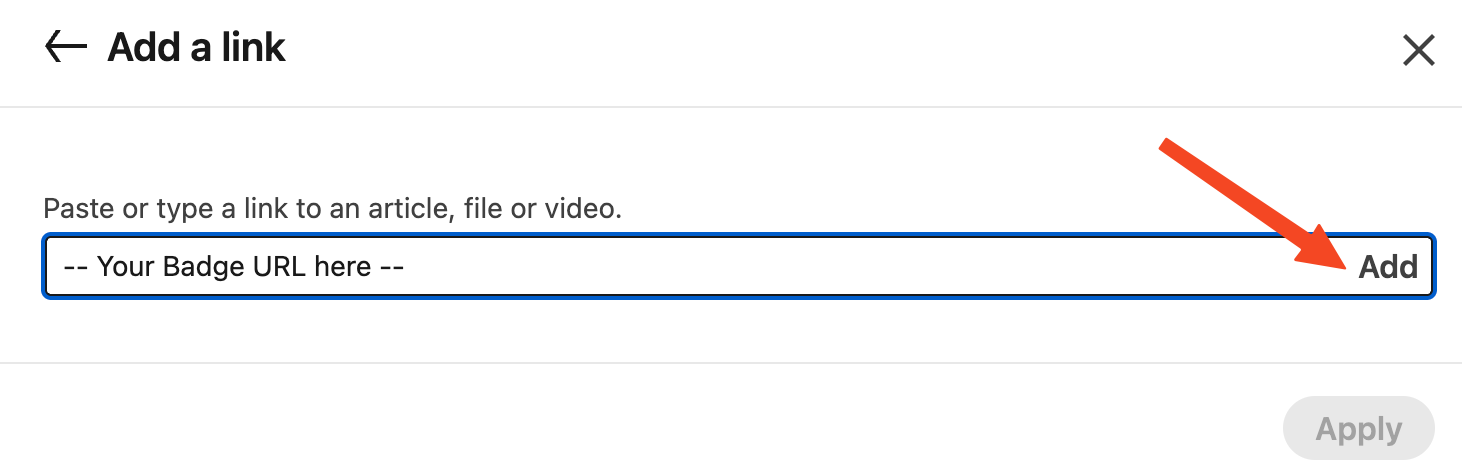
10) Paste the following URL:
into the provided field and click the 'Add' link on the right.